


How to Recover Abandoned Carts on Shopify Using WhatsApp
Shopify + WhatsApp Integration Published: March 30, 2026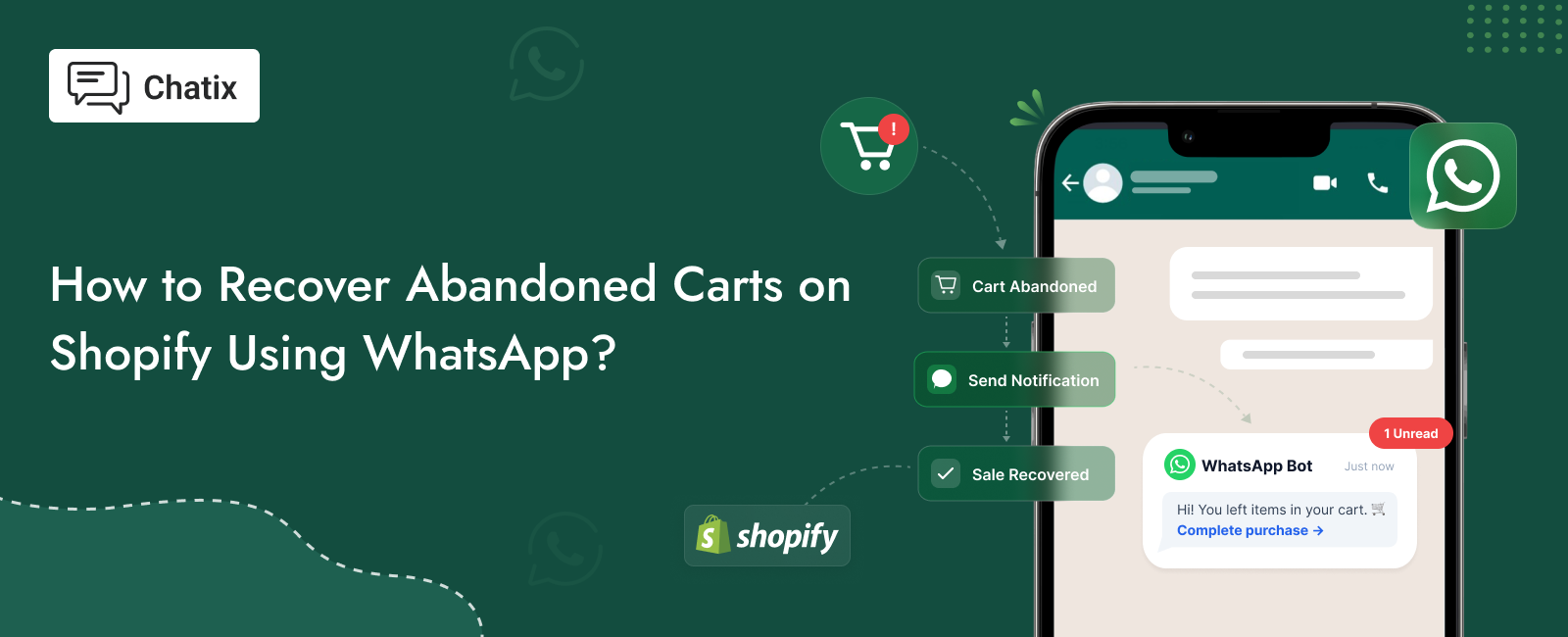
Every Shopify store loses revenue to abandoned carts every single day. A customer browses, adds products, gets to checkout — and disappears. For most stores, the default response is an automated email sequence. And for most stores, that email sequence gets ignored.
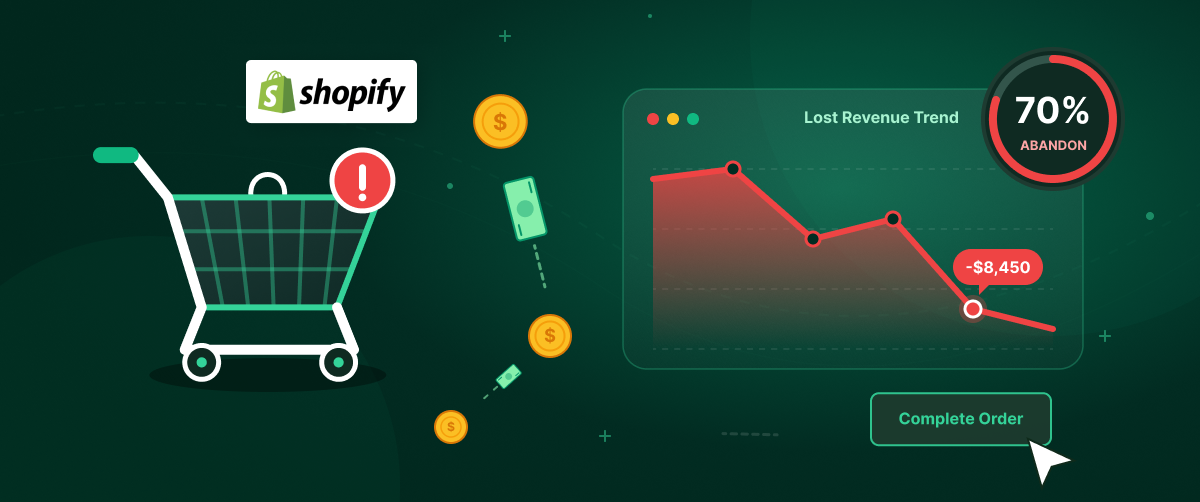
If you run a Shopify store and you’re not recovering abandoned carts through WhatsApp, you’re leaving 15–25% of your recoverable revenue on the table. The 70% number is well-known. Between 60% and 80% of Shopify shoppers who add products to their cart leave without buying. The potential revenue in those abandoned carts is enormous — and most of it can be partially recovered with the right follow-up because WhatsApp abandoned cart recovery works differently — not just because open rates are higher, but because WhatsApp opens a conversation. A customer who replies to a WhatsApp cart recovery message is not just re-engaging with your store. They're telling you exactly why they didn't buy — and that's the moment you can actually recover the sale.
For the full picture of how WhatsApp drives Shopify revenue beyond cart recovery — live chat, order notifications, COD verification, and retention sequences — the increase sales on Shopify guide covers all five levers in one place.
This guide covers everything: why WhatsApp outperforms email and SMS for cart recovery, how the 3-message sequence works, the exact messages to send, and how to set it up on your Shopify store.
Quick Answer
WhatsApp abandoned cart recovery sends automated messages to shoppers who leave items in their Shopify checkout without buying. The messages go out starting 30 minutes after abandonment — three messages spread over 24 hours — each including the shopper’s specific cart items and a direct checkout link. WhatsApp messages are read within minutes at 98% open rates versus 20% for abandoned cart emails. Recovery rates typically range from 15–25% for a well-configured 3-message sequence.
Key Takeaways
- 60–80% of Shopify cart additions never complete checkout — most can be partially recovered with timely, personalised follow-up
- WhatsApp cart recovery messages get 98% open rates versus email’s 20% — the gap between those numbers is where the additional recoveries come from
- The recovery window is short: the first message should go out within 30 minutes of abandonment, while buying intent is still high
- WhatsApp’s conversational format means customers can reply with objections — and a good reply from your team closes more sales than any email ever could
- WhatsApp Business API is required for automated cart recovery — the basic WhatsApp Business App cannot trigger messages based on Shopify events.
- WhatsApp cart recovery only works with the customer’s opt-in consent and a registered WhatsApp Business number
Why Shopify Stores Lose Revenue to Cart Abandonment
Why Cart Recovery Messages Work for Shopify Stores
Not every abandoned cart is a lost cause. Research consistently shows that a large portion of cart abandoners left because of distraction, not because they decided against the purchase. They got a phone call. Their kid needed something. They decided to compare prices and forgot to come back. A well-timed message — arriving within 30 minutes of abandonment — catches them while they’re still in buying mode.
Why WhatsApp Recovers More Abandoned Carts Than Email
Email open rates for abandoned cart messages average 20–25%. WhatsApp messages arrive with the same notification as a message from a friend — in a personal messaging environment customers check dozens of times per day. Open rates consistently exceed 90–98%. That difference in reach is the starting point, but it’s not the full story.
WhatsApp vs Email for Abandoned Cart Recovery
Email Is a Broadcast. WhatsApp Is a Conversation
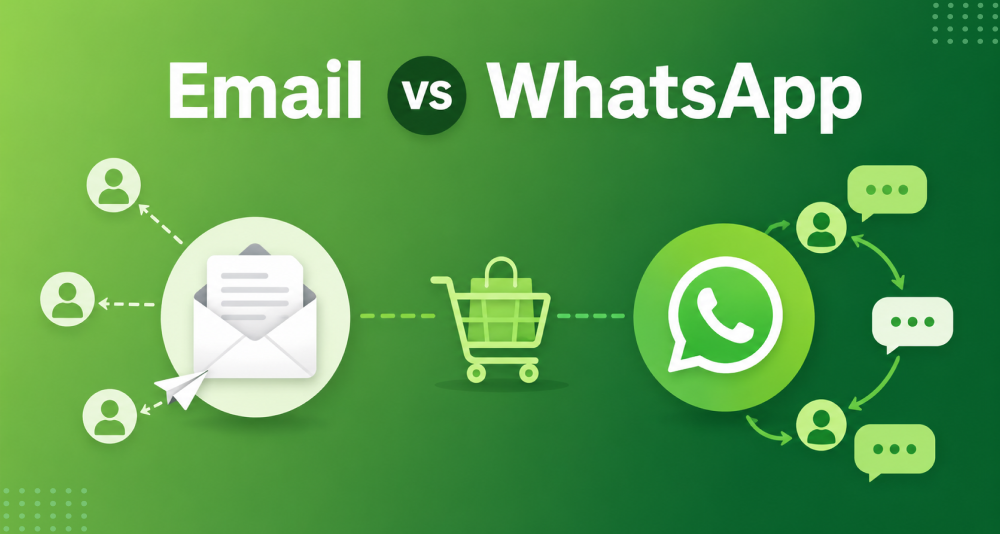
When a customer receives a cart recovery email, they can only click the link or delete it. When they receive a WhatsApp message, they can reply — instantly, without friction. “Does this come in blue?” “Can I get free shipping?” “Is the discount stackable?” Those questions, answered quickly, often close the sale. The same questions sent by email reply arrive hours later in your inbox — after the customer has moved on.
Why WhatsApp Messages Feel Different From Email
An email lands in a folder that the customer may check twice a day, alongside 40 other promotional messages. A WhatsApp message arrives in the same app where they talk to family. The notification looks identical. The psychological context is completely different.
How WhatsApp Abandoned Cart Recovery Works on Shopify
Abandoned Cart vs Abandoned Checkout — What the Difference Means for WhatsApp
WhatsApp cart recovery is sometimes called ‘abandoned cart recovery,’ but it’s technically abandoned checkout recovery. WhatsApp messages require a phone number — which means the customer must have reached checkout and entered their contact information before leaving. Someone who added items to cart and left without reaching checkout isn’t reachable via WhatsApp (you’d need email or retargeting ads for those).
For a deeper look at what counts as abandoned cart versus abandoned checkout on Shopify and what data is available for each, the abandoned cart vs checkout abandonment guide covers the technical distinction and the recovery implications.
WhatsApp Abandoned Cart Recovery Sequence — When to Send Each Message
The most effective WhatsApp cart recovery isn’t a single message — it’s a timed sequence of three messages, each with a different purpose. One message leaves recoverable carts behind. Two is better. Three, spaced correctly, is the current standard that most Shopify stores with strong recovery rates are running.
Message 1 — Send Within 30 Minutes of Abandonment
The first message should arrive within 30 minutes of abandonment. At this stage, no discount. A gentle, personalised reminder: here’s what you left, here’s the link. The customer either forgot, got distracted, or is still comparing. A clean nudge is enough.
Adding a discount in the first message conditions customers to abandon carts deliberately — knowing a discount will follow. It also compresses your margin on recoveries that would have completed at full price.
Message 2 — Send 4 to 6 Hours After Message 1
If the customer opened Message 1 but didn’t convert, a second message 4–6 hours later introduces mild urgency — without yet offering a discount. A ‘cart is saved until tonight’ or ‘only a few left in stock’ nudge works well here. The goal is to catch the customer who needed a second prompt before committing.
This message closes a gap between the fresh distraction-recovery window (Message 1) and the final decision window (Message 3). Stores that skip this step consistently see lower overall recovery rates than those that include it.
Message 3 — Send 24 Hours After the First Message
The final message, sent 24 hours after Message 1, is where urgency and a discount are appropriate. Limited stock, offer expires, here’s 10% off. Most recoveries from a sequence happen from this third message, because it’s the first one that gives the price-sensitive customer an actual reason to move.
After three messages with no conversion, stop. A fourth message doesn’t recover carts — it generates opt-outs.
How to Set Up WhatsApp Abandoned Cart Recovery on Shopify
Setting up the automated recovery flow requires the WhatsApp Business API and a Shopify app that can detect abandoned checkouts and trigger messages based on that event.
A note on WhatsApp Business API pricing:
As of July 2025, Meta bills per delivered template message by category and recipient country. Cart recovery messages are classified as marketing templates and carry a per-message charge. For most Shopify markets (India, Southeast Asia, Middle East), the per-message cost is small relative to the recovered order value — but it’s a real cost to factor into your recovery ROI calculation before scaling.
Step 1 — Install Chatix from the Shopify App Store
Install Chatix and connect your WhatsApp Business number. The onboarding flow links your number to the WhatsApp Business API through Meta’s verification process.
Step 2 — Connect Your WhatsApp Business Number
Use a dedicated business number — not a personal number. This becomes the number customers receive recovery messages from and reply to. The number stays with the business, not with any individual team member.
Step 3 — Enable Cart Recovery Automation
In the dashboard, go to Automations → Abandoned Cart Recovery. Toggle on the automation. This enables the trigger that fires when a Shopify checkout is abandoned.
Step 4 — Configure Opt-In Collection
Before recovery messages can go out, customers must have opted in to receive WhatsApp messages from your store. Enable the opt-in checkbox at checkout — this is the compliant way to collect consent and is required by WhatsApp’s Business Policy. Recovery messages cannot be sent to customers who haven’t opted in, even if their phone number is available from the checkout.
Step 5 — Configure Your Message Templates
Set up the three message templates in the dashboard. Each template needs to be approved by Meta before it can be sent. Pre-approved templates are available to use immediately. Templates must include the customer’s name, the abandoned product details, and a direct checkout link.
WhatsApp Abandoned Cart Recovery Message Templates
Message 1 Template — The First Touch
Keep it clean and low-pressure. No discount, no urgency language. Just the reminder and the link.
Message 2 Template — The Mild Urgency Follow-Up
Introduce urgency but no discount yet. The ‘any questions? Just reply here’ line is important — it opens the conversational door that makes WhatsApp more effective than email for recovery.
Message 3 Template — The Final Nudge
This is the only message where a discount belongs. Time-boxing the offer (‘expires tonight’) consistently outperforms open-ended discounts because it removes the option to wait.
What Not to Include in WhatsApp Abandoned Cart Messages
- Don’t lead with a discount in Message 1 — it trains customers to abandon deliberately
- Don’t send all three messages the same day — space them correctly (30 min / 4–6 hours / 24 hours)
- Don’t make the message generic — include the specific product name and cart value so it reads as a personalised follow-up, not a broadcast
- Don’t send more than 3 messages in a sequence — a fourth message generates unsubscribes, not recoveries
For a broader library of WhatsApp cart recovery templates — including variations for different product categories, cart values, and tone — the abandoned cart message templates guide has a full set formatted for Meta approval.
How to Respond When a Customer Replies to Your Cart Recovery Message
WhatsApp’s conversational format is what makes it genuinely different from email for cart recovery. When a customer replies to your recovery message, they’re telling you exactly what’s stopping them from buying. That’s the most valuable signal you can get — and how you respond to it determines whether you recover the sale. Four of the most common reply types and how to handle each:
1. When will this be delivered?
This customer is close to buying. The only thing standing between them and checkout is delivery certainty. Give them a specific answer: “We ship same day on orders placed before 2 PM, so you’d receive it by [date].” A direct, specific answer here closes a high percentage of these conversations. Don’t send them to the shipping FAQ page.
2. Does this come in a different size / colour?
This customer wants the product but isn’t sure the variant they added is right. Answer directly with what’s available: “Yes, we have it in small, medium, and large — the medium is the most popular for your height range. Want me to update your cart?” Offering to update their cart removes friction entirely.
3. Can I get a discount?
If this comes after Message 1 or 2, don’t give the discount yet. Instead: “We do have a special offer coming if you’re still undecided — keep an eye on WhatsApp over the next few hours.” This preserves the Message 3 discount as a genuine value event. If it comes after Message 3 and the customer is asking for more off, you can hold the line: “10% is the best we can offer right now, but that code expires tonight.”
4. I already bought it somewhere else.
This one hurts, but it's useful data. Don't ignore it. Reply: 'Thanks for letting us know — sorry we didn't catch you in time. Hope to see you back for your next order.' Closing gracefully keeps the door open for the next purchase. Ignoring the reply closes it permanently.
For a full framework on managing WhatsApp customer conversations beyond cart recovery — response workflows, quick reply setup, and how to handle volume as your store grows — the WhatsApp customer support tips guide covers the operational side in detail.
WhatsApp Cart Recovery Benchmarks — What Good Results Look Like
After running a 3-message WhatsApp cart recovery sequence for 30+ days, these are the numbers that indicate whether your setup is working:
- Delivery rate: Should be 95%+. If lower, there are phone number quality issues — check whether opt-in collection is working correctly at checkout.
- Read rate: Should be 80%+. WhatsApp’s open rate norm. Below this suggests message timing is off or the sender name isn’t being recognised.
- Click-through rate: Aim for 20%+. If lower, test message copy or timing — the checkout link should be prominent and the product name should be specific.
- Recovery rate: 15–25% is the benchmark for a well-configured WhatsApp sequence. Below 10% means something in the sequence is wrong. Above 25% is excellent.
For context: email abandoned cart recovery typically achieves 3–5% recovery rates. A WhatsApp sequence at the 15–25% benchmark is recovering 3–5x more revenue from the same abandoned checkout pool. If you want cart recovery to be one stage of a complete WhatsApp marketing system — from opt-in building to post-purchase retention — the WhatsApp sales funnel for Shopify guide covers how all the stages connect.
Final Thoughts
WhatsApp abandoned cart recovery is one of the highest-converting automations available to a Shopify store. A 15–25% recovery rate on abandoned checkouts — from a 3-message sequence that runs entirely automatically — is real, repeatable revenue that most stores currently leave uncaptured.
The setup takes one afternoon. The discipline is keeping the sequence clean: first message is a nudge, second is mild urgency, third is the offer. Don’t rush the discount, don’t add a fourth message, and always reply when a customer asks a question — that’s the conversation that closes the sale.
Chatix connects the WhatsApp Business API to your Shopify store and handles the full 3-message cart recovery sequence automatically — trigger, personalised templates, reply management, and recovered revenue tracking — from one dashboard. Install from the Shopify App Store.
Frequently Asked Questions
Does WhatsApp abandoned cart recovery work for all Shopify stores?
It works best for stores where customers reach checkout and enter contact details before abandoning. Lower AOV stores may find the per-message API cost reduces net recovery margin on smaller orders. Higher AOV stores typically see the strongest ROI.
Can I offer a discount in the first WhatsApp abandoned cart message?
Technically yes, but it’s a mistake. Customers who learn that abandoning a cart triggers a discount will abandon deliberately to get it. Reserve the discount for Message 3 only — where it serves customers who genuinely need the incentive to decide.
Should I send 2 or 3 WhatsApp messages for abandoned cart recovery?
Three messages — at 30 minutes, 4–6 hours, and 24 hours — is the current standard. Two messages is better than one, but consistently leaves recoveries on the table that the third message would have captured. Stop at three regardless of outcome.
Do customers need to opt in before I can send WhatsApp cart recovery messages?
Yes. WhatsApp’s Business Policy requires explicit opt-in before any business can send template messages to a customer. The opt-in is typically a checkbox at checkout. You cannot send recovery messages to customers who didn’t opt in, even if their phone number is in your Shopify order data.
How do I know if WhatsApp cart recovery is working?
Track four metrics: delivery rate (95%+), read rate (80%+), click-through rate (20%+), and recovery rate (15–25% for a well-configured sequence). Below 10% recovery rate means something in the timing, templates, or opt-in flow needs reviewing.
How do I choose a WhatsApp abandoned cart recovery tool for Shopify?
Look for a Shopify-native integration (not a third-party connection through Zapier), pre-approved message templates, opt-in collection built into checkout, and clear reporting on recovered revenue by message. Tools that show recovered orders, not just message delivery, tell you whether the recovery is actually working.