


10 WhatsApp Business API Features Every Shopify Merchant Should Know
WhatsApp Business & API Published: January 07, 2026
Shopify merchants who connect the WhatsApp Business API to their store don't all use it the same way — but the ones getting the most out of it tend to have the same features turned on. The API unlocks a set of capabilities the free WhatsApp Business App simply can't provide: automated message workflows, a shared team inbox, message templates, rich media, customer segmentation, and more.
The problem is that most merchants who set up the API activate 2–3 features. The other 7 sit unused, each one representing a gap in how the store communicates with customers. This guide covers all 10 WhatsApp API features available to Shopify merchants — what each one does and a concrete Shopify example for each.
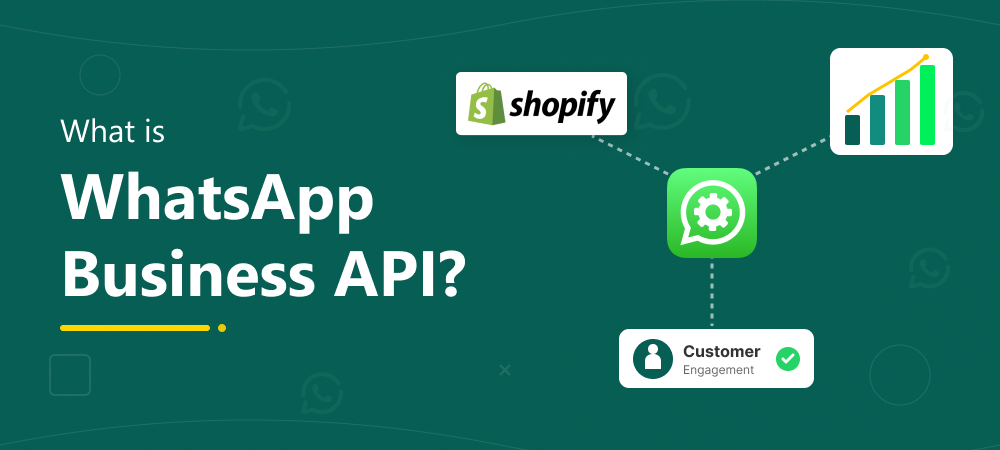
For a full explanation of what the WhatsApp Business API is and how to connect it to your store, the WhatsApp Business API for Shopify guide covers setup, cost, and first steps. This guide picks up from there.
Quick Answers
The 10 WhatsApp Business API features Shopify merchants get access to are: multi-agent shared inbox, automated message workflows, message templates, WhatsApp catalog integration, abandoned cart recovery, COD order verification, rich media messages, customer segmentation and retention messaging, WhatsApp Flows, and centralised chat history. Most stores only activate 2–3 of these — the rest remain available and unused.
Key Takeaways
- Most Shopify merchants activate 2–3 WhatsApp API features — the other 7 are available but unused
- Abandoned cart recovery and COD verification are the two highest-revenue features for most Shopify stores
- WhatsApp Flows are interactive in-chat forms — a 2023–2026 feature most merchants haven't started using yet
- The 24-hour customer service window applies across all these features — template messages are required once the window closes
- All 10 features, as described here with Shopify integration and automation, require the WhatsApp Business API.
WhatsApp Business API Features for Shopify — All 10 Explained
Here are the 10 WhatsApp Business API features Shopify merchants get access to when they connect the API to their store.
1. Multi-Agent Shared Inbox
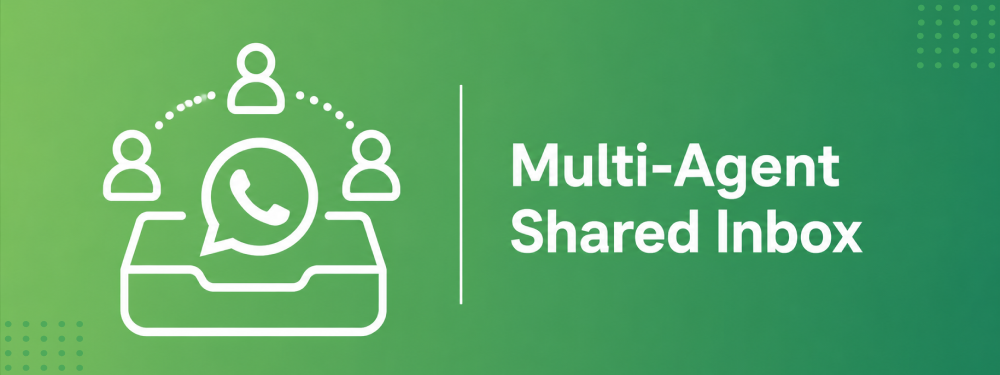
The standard WhatsApp Business App ties a number to one phone, managed by one person. The API removes that restriction entirely. A shared team inbox gives multiple agents simultaneous access to the same WhatsApp Business number — each agent can see, claim, and reply to conversations from a web dashboard without the risk of two people replying to the same customer at the same time.
For Shopify stores with more than one person handling customer support, this is the single most immediate operational improvement the API provides. Conversations can be assigned to specific agents, wait times drop, and every team member can see a conversation's full history before replying. Chatix's shared inbox surfaces each customer's Shopify order details directly inside the conversation — agents answer order queries without opening Shopify Admin separately.
2. Automated Message Workflows
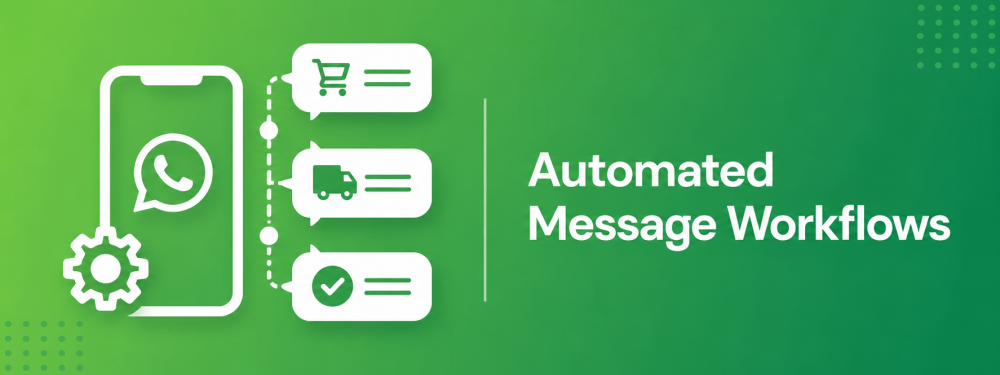
The WhatsApp Business App allows basic automated replies — a greeting message and an away message. The API replaces this with full workflow automation: a message triggers based on what a customer does in your Shopify store, with no manual involvement required.
A customer abandons their cart — a message fires. An order is placed — a confirmation goes out. A shipment leaves the warehouse — a tracking update sends. A delivery is confirmed — a review request follows. Each of these fires automatically, at the right moment, without anyone on your team manually sending anything. For the five specific automation workflows every Shopify store should have running, the WhatsApp automation for Shopify guide covers each one in detail.
3. Message Templates
Message templates are pre-approved message formats that allow businesses to reach customers outside the 24-hour customer service window. After 24 hours of no customer reply, free-form messages can't be sent — only approved templates can. WhatsApp reviews and approves each template before it can be used.
Templates come in three categories: marketing templates (promotional offers, product launches), utility templates (order updates, delivery confirmations — lower cost), and authentication templates (verification codes). Every automated message a Shopify store sends — cart recovery, shipping update, COD verification — is a template, and the category determines what Meta charges for it. For the full breakdown of how the 24-hour window interacts with templates, the WhatsApp 24-hour messaging rule guide covers both in detail.
4. WhatsApp Catalog Integration
WhatsApp Business allows you to create a product catalog directly inside your business profile — with images, descriptions, prices, and product codes. When the API is connected to your Shopify store, the catalog can be synced with your product inventory, letting customers browse, share specific items, and initiate purchase conversations directly from the catalog without visiting your website first.
For Shopify stores, this creates a discovery path that runs entirely within WhatsApp. A customer receives a broadcast message about a new collection, taps to view the catalog, finds a product they want, and starts a conversation to buy — without leaving WhatsApp at any point. Cart completion rates from catalog-driven conversations tend to be higher than click-through rates from link messages because the customer's buying intent is already established by the time they message you.
5. Abandoned Cart Recovery
Cart abandonment is the biggest revenue leak in any Shopify store — and WhatsApp recovers more abandoned carts than email for one specific reason: the customer can reply. When a customer opens a cart recovery email, they either click or they don't. When they receive a WhatsApp message and still have a question about sizing, delivery, or returns, they can ask it — and get an answer before they've moved on.
The API triggers the abandoned cart message automatically based on a Shopify checkout abandonment event. The message goes out with the customer's cart details and a direct checkout link — at the moment when recovery is most likely. For the complete setup guide including message timing, opt-in requirements, and example messages, the WhatsApp abandoned cart recovery for Shopify guide covers the full workflow.
6. COD Order Verification
Cash on delivery is a major payment method across India and markets where digital payment infrastructure is less established. It also carries a specific problem: a meaningful percentage of COD orders are placed by customers who either change their mind or never intended to receive the delivery — generating return-to-origin costs, wasted logistics effort, and inventory that takes days to return.
An automated WhatsApp verification message sent immediately after a COD order is placed — asking the customer to confirm before dispatch — catches this problem at the source. The message triggers automatically from the Shopify order event, routes confirmed and declined responses to the appropriate workflow, and requires no manual send. For stores where COD is a significant share of orders, the reduction in fake orders and RTO costs typically makes the API cost justify itself quickly.
7. Rich Media Messages
Messages sent through the WhatsApp API aren't limited to text. Rich media support allows businesses to include images, videos, PDFs, and audio files in outgoing messages — and to receive the same from customers.
For Shopify stores, rich media opens up practical improvements across several workflows. Product images accompany catalog browsing messages. A video demonstrating product use goes out as part of a post-purchase sequence. A customer reporting a damaged item sends a photo directly in the conversation rather than uploading to a separate form. Shipping labels, invoices, and warranty documents send as PDFs from the same chat that already has the customer's order context — no tool switching, no email chain.
8. Customer Segmentation and Retention Messaging
The WhatsApp Business API allows customer lists to be segmented by any attribute from your Shopify data — purchase history, order value, product category, last purchase date, location, or custom tags. Broadcast campaigns then target specific segments rather than your entire opted-in list.
This is the mechanism behind retention messaging via the API: customers who haven't purchased in 90 days receive a win-back message. High-value customers get early access to a new collection. Customers who bought a specific product get a relevant upsell. Each of these requires both the API for broadcast capability and Shopify data integration to know which customers belong in which segment. For the full strategy on building segmented WhatsApp campaigns from your Shopify audience, the WhatsApp Shopify integration marketing setup guide covers audience building, opt-in collection, and campaign planning in detail.
9. WhatsApp Flows for Shopify
WhatsApp Flows are interactive forms and multi-step sequences that run inside a WhatsApp conversation — letting customers complete actions without leaving the chat. A customer can fill out a form, select from a list of options, confirm a booking, provide a delivery address, or complete a survey entirely within the WhatsApp thread they're already in.
For Shopify merchants, the most practical Flows use cases are: collecting a delivery address before dispatch, running a post-purchase feedback survey with structured response options, capturing customer preferences for personalised recommendations, and confirming service or appointment bookings. The difference from sending a link is significant — when a customer has to tap a link, open a browser, complete a form, and return to WhatsApp, a meaningful percentage drop off at each step. A Flow keeps the entire interaction inside the conversation. WhatsApp Flows require the API and a platform that supports Flow creation — not all WhatsApp API tools offer this.
10. Centralised Chat History
Every customer conversation — support queries, order questions, promotional replies, cart recovery responses — sits in one inbox with the full thread visible to any agent who picks it up. No customer history lives on a single team member's phone. When an agent leaves, no conversations disappear with them. When a customer contacts you again three months later, the agent who replies can see the entire previous exchange without asking the customer to repeat themselves.
For Shopify stores where multiple team members handle WhatsApp, this is the operational foundation that makes everything else work. The shared inbox, automated workflows, and segmentation campaigns all feed into and depend on a centralised record of every customer interaction.
Final Thoughts
Most Shopify merchants who connect the WhatsApp Business API turn on abandoned cart recovery and order notifications — and stop there. The other eight features in this guide remain available and unused, each one representing a gap in how the store communicates with customers.
The features with the most direct revenue impact for most Shopify stores: abandoned cart recovery, COD verification, automated order workflows, and customer segmentation for retention messaging. WhatsApp Flows and catalog integration require more setup but open up interaction patterns that email and SMS can't replicate.
Chatix connects all 10 of these features directly to your Shopify store — from a shared team inbox and automated workflows to broadcast campaigns and COD verification — from one dashboard, starting from a free plan.
Frequently Asked Questions
1. What is WhatsApp Business API for Shopify?
The WhatsApp Business API is the paid tier of WhatsApp that allows Shopify stores to send automated messages, run a shared team inbox, and trigger workflows based on store events — things the free WhatsApp Business App can't do.
2. Can I use WhatsApp Business API for abandoned cart recovery?
Yes — and it's one of the highest-return automations a Shopify store can run. The API triggers a message automatically based on the Shopify checkout abandonment event, going out at the right moment with the customer's cart details and a checkout link.
3. How does multi-agent support work on WhatsApp Business API?
Multiple agents access the same WhatsApp Business number from a web dashboard simultaneously. Conversations are assigned to specific agents, and every team member sees the full conversation history before replying.
4. Is WhatsApp Business API free for Shopify merchants?
Access to the API requires a subscription to a WhatsApp API platform. On top of that, Meta charges per template message delivered — rates vary by template category (marketing, utility, or authentication) and the recipient's country. The free WhatsApp Business App doesn't support the 10 features in this guide.
5. Do I need technical skills to use WhatsApp API with Shopify?
No. The right Shopify WhatsApp app handles the API connection, automation setup, and message template configuration without any coding. Most merchants are fully live within an hour of installing.
6. What are WhatsApp Flows and how do Shopify merchants use them?
WhatsApp Flows are interactive in-chat forms that let customers complete multi-step actions — like submitting a delivery address or filling out a feedback survey — without leaving WhatsApp. For Shopify merchants, the most practical use cases are post-purchase feedback, delivery confirmations, and customer preference collection.