



How WhatsApp COD Verification Reduces Fake Orders and RTO on Your Shopify Store
Shopify + WhatsApp Integration Published: April 09, 2026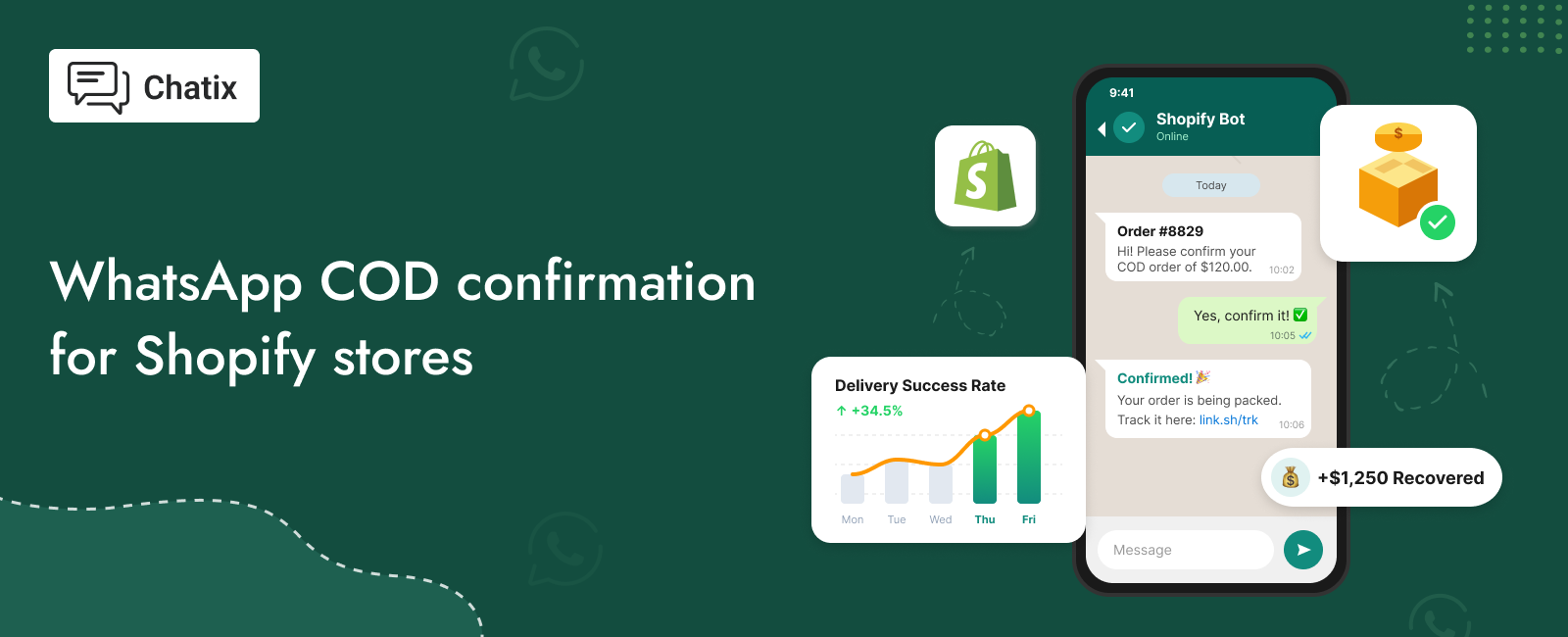
WhatsApp COD verification is one of the highest-ROI automations a COD-heavy Shopify store can run — and one of the most underused. Between 8–10% of COD orders placed on Indian Shopify stores are outright fake — placed by bots, competitors, or customers who never intended to pay. Another 25–35% of real orders result in return-to-origin (RTO) failures because customers were unavailable at delivery, changed their minds, or simply forgot they placed the order.
Both problems have the same solution: verify the customer’s intent before dispatching. And the most effective channel to do that is WhatsApp.
This guide covers why WhatsApp verification outperforms every other method, how the flow works on Shopify, how to set it up, what message templates to use, and what RTO reduction to expect week by week. For the broader WhatsApp customer support strategy for Shopify stores, the WhatsApp customer support guide for Shopify covers the full operational picture.
Quick Answer
WhatsApp COD verification is an automated flow that sends a confirmation message to customers immediately after they place a COD order on Shopify. The customer taps to confirm or cancel. Orders without a confirmation response can be held or cancelled before dispatch, eliminating fake orders and reducing RTO from customers who were never going to accept delivery. The verification message should go out within 5 minutes of order placement — that’s the window where response rates are highest and intent is clearest.
Key Takeaways
- Between 8–10% of COD orders on Indian Shopify stores are outright fake — placed by bots, competitors, or customers who never intended to pay
- WhatsApp confirmation messages see 85–90% open rates when sent within 5 minutes — phone calls see 40–50% pickup rates in the same window
- The optimal no-response window before holding an order is 30–45 minutes — long enough to capture late responders, short enough to dispatch real orders the same
- A well-configured COD verification flow reduces RTO rates by 30–40% within the first month without requiring any manual intervention from your team
- Stores using COD verification also see 3–8% of verified COD customers convert to prepaid when offered a discount link in the follow-up message
What Fake COD Orders Are Actually Costing Your Shopify Store
The Full Cost of an Unverified COD Order
Most Shopify stores think of a fake COD order as a cost of doing business — one returned shipment, one wasted packaging, one courier charge. That’s accurate but it understates the real impact.
A single unverified COD order that results in RTO creates multiple costs: outbound shipping to the customer’s address, return shipping back to your warehouse, repackaging if the product is resaleable, storage time before the product is redistributed, and in some cases, an item damaged in transit that can no longer be sold at full price. Across a month of fake orders, those costs stack.
For a store running 500 COD orders per month with a 10% fake order rate, that’s 50 orders generating an average of ₹150–250 in combined shipping and handling costs each — ₹7,500 to ₹12,500 per month lost to orders that should never have been dispatched. For a deeper look at how reducing RTO connects to broader sales growth, the increase sales on Shopify guide covers the revenue impact of logistics efficiency.
The Fake Order Problem — Why Standard Verification Fails
Standard approaches to filtering fake COD orders — minimum order values, COD charges, address verification — reduce volume at the top of the funnel but don’t catch intent problems further down. A real customer with a legitimate address and a reasonable order value can still decide at delivery that they don’t want the product anymore, or be unavailable for three consecutive delivery attempts before the shipment returns.
The fake order problem is not just about malicious actors. The majority of COD RTOs come from real customers who placed real orders but weren’t committed enough to the purchase to confirm they’d accept it.
Why Most COD Verification Attempts Fail to Reduce RTO
Phone-based verification — calling customers to confirm their orders — solves the intent problem but creates new ones. Call pickup rates in India average 40–50% even during business hours. The calls cost agent time. Customers who don’t pick up get followed up a second time, consuming more resource. And customers who do pick up sometimes cancel simply because being called feels like pressure.
SMS-based verification has a delivery problem: SMS open rates in India have dropped as WhatsApp has become the primary messaging channel. Many customers genuinely don’t see or read the verification SMS before the dispatch deadline.Email verification has the same problem amplified — open rates for transactional emails from unknown senders are below 20%, and many COD-heavy markets don’t use email as a primary communication channel at all.
Why WhatsApp Outperforms Phone, SMS, and Email for COD Verification
Timing — Why Verification Within 5 Minutes Makes the Difference
A customer who just placed a COD order is at peak intent at the moment of placement. They know what they ordered, they want it, and they’re expecting some kind of confirmation. A WhatsApp message arriving within 5 minutes of order placement catches that intent while it’s fresh — the customer is still in the mental context of the purchase decision.
WhatsApp confirmation messages sent within 5 minutes of order placement see response rates of 85–90%. The same message sent 2 hours later — when the customer has moved on to other things — sees response rates drop to 60–70%. Timing is the single most important variable in COD verification effectiveness.
WhatsApp Is the Primary Channel in COD-Heavy Markets
In the markets where COD dominates — India, Pakistan, Bangladesh, the Middle East — WhatsApp is the primary messaging channel. Most customers in these markets have WhatsApp open for significant portions of the day, check it before SMS, and are far more likely to interact with a business message on WhatsApp than on any other text channel.
This isn’t a behavioural preference — it’s infrastructure. WhatsApp has replaced SMS as the default messaging protocol in these markets. A business verification message arriving on WhatsApp is treated like any other message, not like a marketing email or an unknown sender’s SMS.
One-Tap Confirmation — How WhatsApp Filters Fake Orders
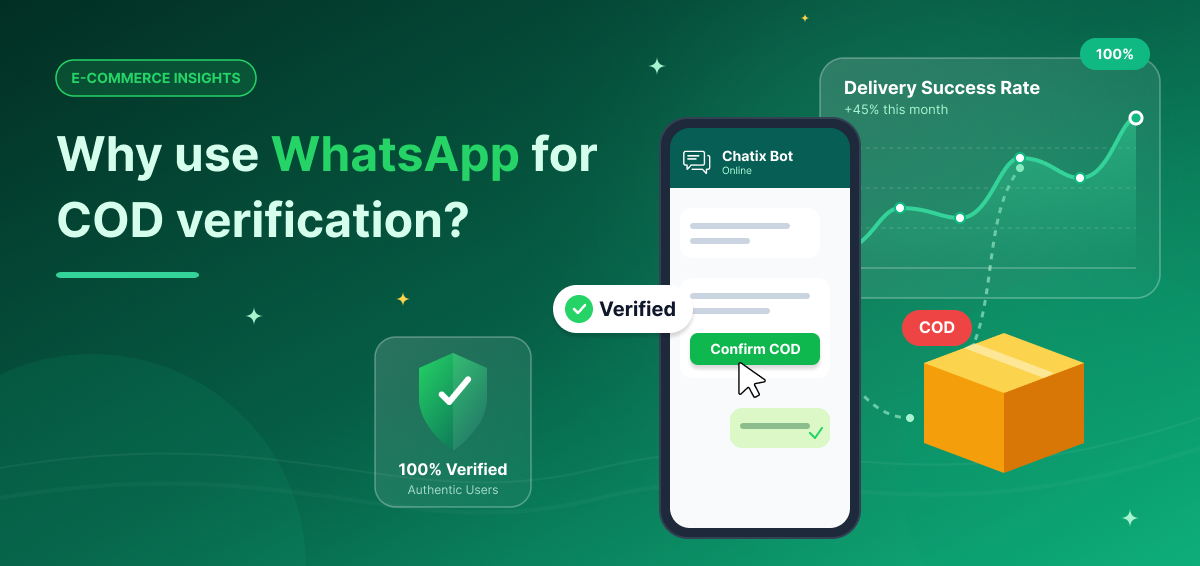
The specific advantage of WhatsApp over any other verification channel is the interactive message format. A WhatsApp Business API message can include quick-reply buttons — pre-formatted response options the customer taps with one touch, without typing anything.
A WhatsApp COD verification message with a ‘Confirm Order’ button and a ‘Cancel Order’ button requires zero cognitive load from the customer. Tap Confirm: order proceeds. Tap Cancel: order is cancelled before dispatch with no cost incurred. No typing, no form, no phone call to answer. The friction is as low as it can be while still capturing genuine intent.
How WhatsApp COD Verification Works on Shopify
The verification flow on Shopify runs automatically from order placement to dispatch decision, without any manual intervention from your team. For a broader overview of how WhatsApp automation connects to Shopify events beyond COD verification, the WhatsApp automation for Shopify guide covers the full automation framework.
Step 1 — Automatic Trigger After Order Placement
Customer places a COD order on your Shopify store. The COD order event triggers the verification automation immediately — within seconds of the order being confirmed in Shopify.
Step 2 — WhatsApp Verification Message Sent
Within 5 minutes, an automated WhatsApp message goes to the customer’s number with their order details and two quick-reply buttons: Confirm Order and Cancel Order. The message is personalised with their name, order number, product name, and total amount.
Step 3 — Customer Response and Order Decision
Customer taps Confirm — order proceeds to fulfilment. Customer taps Cancel — order is cancelled immediately, no dispatch, no cost. No response within the set window — order is automatically held or cancelled based on your configured no-response rule.
What the customer experiences: a WhatsApp message that looks like this:
The message is personalised, specific to their order, and asks for exactly one action. Most genuine customers confirm in under 60 seconds.
How to Set Up WhatsApp COD Verification on Shopify
Setting up the full verification flow requires the WhatsApp Business API and a connected Shopify app that can trigger messages based on order events. For the full WhatsApp Business API setup process including what Shopify merchants need before applying, the WhatsApp API features for Shopify guide covers the complete flow.
WhatsApp COD Verification Setup Requirements for Shopify
Before starting:
- A verified Meta Business Manager account
- A dedicated WhatsApp Business number not connected to a personal account
- A Shopify app that supports COD verification automation with WhatsApp Business API integration
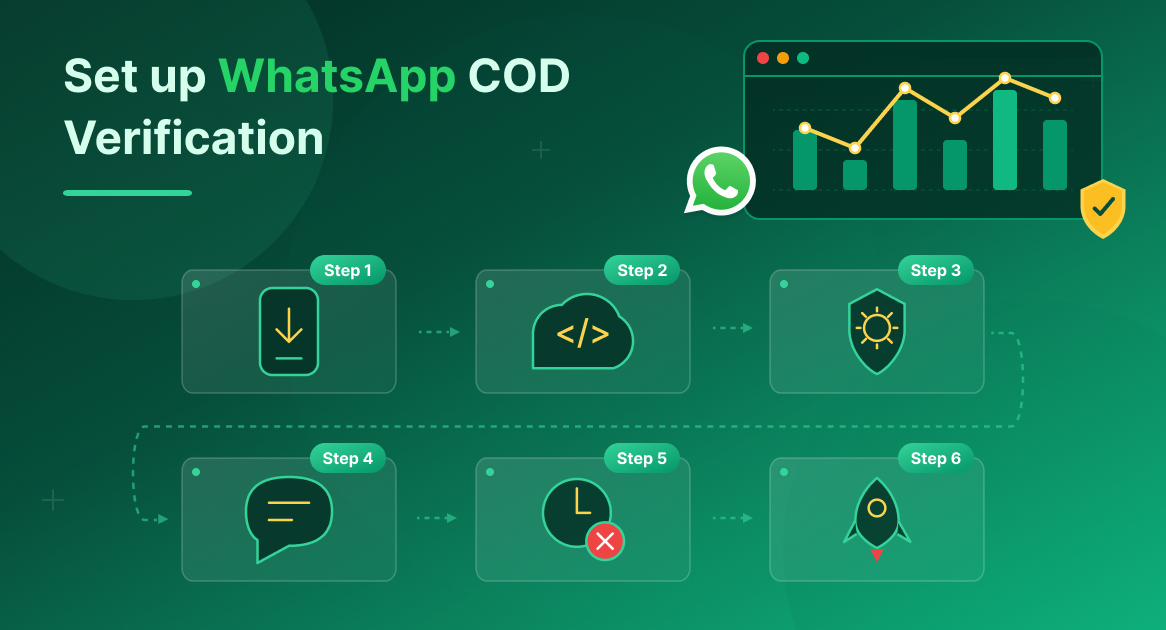
Step 1 — Install and Connect Your WhatsApp Business Number
Install Chatix from the Shopify App Store and connect your WhatsApp Business number. During onboarding, the app links your number to the WhatsApp Business API through Meta’s verification process.
Step 2 — Enable the WhatsApp Business API
Chatix connects the WhatsApp Business API to your Shopify store and handles COD verification automatically. The app provides API access on paid plans without requiring a separate Meta application — the onboarding flow handles the approval process.
Step 3 — Enable COD Order Verification Automation
In the dashboard, go to Automations → COD Verification. Toggle on the verification flow. This enables the trigger that fires every time a COD order is placed on your Shopify store.
Step 4 — Configure Your Message Template
Select or customise the verification message template. The template must include the order number, product name, total amount, and the two quick-reply buttons (Confirm and Cancel). Templates go through Meta’s approval process — pre-approved templates are available immediately to use without waiting for review.
Step 5 — Set Your No-Response Behaviour
Set the time window for customer response (recommended: 30–45 minutes). Configure what happens if no response arrives: auto-cancel the order, hold it for manual review, or flag it in your Shopify dashboard. Most stores start with hold-for-review before moving to auto-cancel once they’re confident in their response rates.
Step 6 — Test the Full Flow
Place a test COD order on your store from a personal WhatsApp number. Confirm the verification message arrives within 5 minutes. Test both the Confirm and Cancel button responses. Check that the order status in Shopify updates correctly based on each response.
WhatsApp COD Verification Message Templates
For a full library of reminder and follow-up templates that work alongside the verification flow, the reminder message templates guide has additional formats.
Verification Message — Send Within 5 Minutes of Order Placement
Reminder Message — Send 30 Minutes After No Response
What not to include in COD verification messages:
- Promotional offers or upsells — keep the message purely functional
- Long descriptions of what happens if they cancel — one clean sentence is enough
- Multiple products listed in one message if the order has several items — lead with the primary item and the total
What to Expect — RTO Reduction After WhatsApp COD Verification
Week 1 Results
In the first week after enabling COD verification, most Shopify stores see confirmation rates of 70–85% from customers who respond. Of the 15–30% who don’t respond in the set window:
- Approximately 30–40% are genuine customers who missed the message — a follow-up call or manual review recovers a portion of these
- The remaining 60–70% are the fake and uncommitted orders — these are the RTOs eliminated before dispatch
Month 1 Results
By the end of the first month, most stores report:
- 30–40% reduction in total RTO rate compared to pre-verification baseline
- Confirmation response rates stabilising at 80–85% as genuine customers get used to the verification step
- Logistics cost savings that typically exceed the API messaging cost by 8–12x
Month 3 and Beyond
Stores with a well-configured verification flow typically reach:
- RTO rates of 12–15% (down from a pre-verification average of 25–35%)
- Confirmation rates above 85% from genuine customers
- A secondary benefit: customers who confirm via WhatsApp show higher delivery acceptance rates, because the verification step itself increases purchase commitment
At this stage, most stores also begin using the post-confirmation message to offer a COD-to-prepaid conversion — a small discount for switching to online payment before dispatch.
What to Fix If Confirmation Rates or RTO Results Disappoint
If confirmation rates are below 70% after the first two weeks:
- Check your message delivery time — if it’s going out more than 10 minutes after order placement, response rates will be lower. Reduce to under 5 minutes.
- Check your template — if the message doesn’t clearly show the order details, customers may not recognise it as legitimate and ignore it.
- Check your no-response window — if it’s set to 15 minutes, genuine customers who were briefly unavailable are being cancelled. Extend to 30–45 minutes.
If RTO rates haven’t dropped despite good confirmation rates, the issue isn’t verification — it’s delivery failures on confirmed orders. This is a logistics partner or address accuracy problem, not a fake order problem.
Final Thoughts
WhatsApp COD verification is one of the highest-return automations a COD-heavy Shopify store can run. The investment is minimal — a few hours to set up, a small per-message API cost — and the returns are measurable within the first week: fewer fake orders dispatched, lower RTO rates, and reduced logistics costs on every returned shipment that no longer happens.
The stores that see the biggest RTO reduction send verification within five minutes of order placement, use a clear template with one-tap confirm and cancel buttons, and follow up once on non-responders before holding the order. Every variable in that sequence is configurable once you know what your baseline confirmation rate is.
Chatix connects the WhatsApp Business API directly to your Shopify store and handles the full COD verification flow automatically — trigger, template, reminder, and no-response handling — without any manual effort from your team.
Frequently Asked Questions
Will WhatsApp Verification Cause Genuine Customers to Cancel Orders?
Cancellation data consistently shows genuine customers cancel at below 3% when asked to confirm. The 10–25% who don’t confirm are the orders that would have resulted in RTO anyway — WhatsApp verification doesn’t create cancellations, it surfaces intent that was already weak.
Does WhatsApp COD Verification Work Outside India?
Yes — it works in any market where WhatsApp is the primary channel and COD is significant: Pakistan, Bangladesh, Saudi Arabia, UAE, Egypt, and parts of Southeast Asia. In markets with lower WhatsApp penetration, phone verification may be more effective.
What Happens If a COD Customer Doesn’t Have WhatsApp?
If the customer’s number isn’t registered on WhatsApp, the message won’t deliver — the app detects this and triggers a fallback (call, SMS, or manual review flag). In COD-heavy markets, WhatsApp penetration is typically above 85%, so undelivered verifications are a small share of total orders.
Can I Run WhatsApp COD Verification Without the Business API?
No — the Business API is required for automated triggers and interactive quick-reply buttons. The standard WhatsApp Business App doesn’t support either. API access is included on paid plans without a separate Meta application.
How Does WhatsApp COD Verification Affect Customer Experience?
For genuine customers, the verification step is a positive signal — it shows the store has proper order management. Most customers in COD-heavy markets are familiar with order verification. The key is keeping the message specific to their order, the action simple (one tap), and the tone transactional rather than promotional.
Can Verified COD Customers Be Converted to Prepaid on WhatsApp?
Yes — after a customer confirms a COD order, a follow-up message can offer a small discount (3–8%) for switching to prepaid before dispatch. Stores using this see 3–8% of verified COD customers convert, eliminating remaining RTO risk on those orders entirely.