



What Is WhatsApp Shopping and How Do Shopify Merchants Use It
WhatsApp Marketing Published: January 06, 2025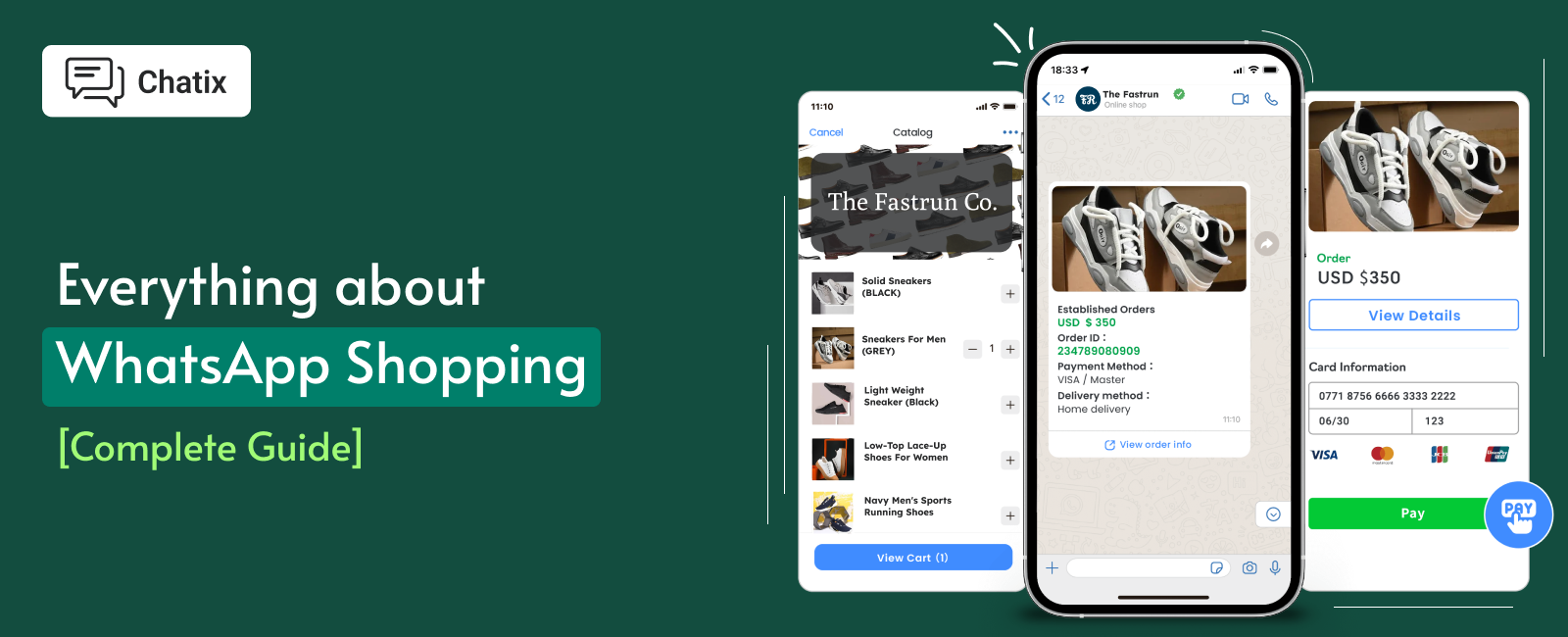
Indian D2C merchants with no website are building their entire storefront inside WhatsApp — and Shopify stores are using it as a second sales channel that converts at 3–5x email rates without a single ad spend. WhatsApp shopping is not one feature but a set of capabilities: product catalog, in-chat ordering, automated replies, and payment, all inside the messaging app your customers already use every day. This guide covers everything a Shopify merchant needs — how to set it up, how to build a catalog that converts, how Shopify integration works, and what WhatsApp Pay means for stores selling in India.
Quick Answer
WhatsApp shopping lets businesses showcase products through a WhatsApp catalog, take orders via chat, and receive payments through WhatsApp Pay (India and Brazil) or payment links. For Shopify merchants, setup requires a WhatsApp Business Account and a product catalog. Full automation — cart recovery, order updates, and in-chat checkout — requires the WhatsApp Business API connected to Shopify via a Business Solution Provider. The free WhatsApp Business App works for stores under 50 orders a month; the API is needed for anything beyond that.
Key Takeaways
- WhatsApp has 3.3 billion monthly active users globally — over 500 million in India alone, making it the largest single-app sales channel a Shopify merchant can access without paid advertising.
- WhatsApp shopping catalogs convert 3–5x better than email — no app install, no account creation, and no redirect from the conversation.
- The WhatsApp Business App is free and works for basic shopping — but limits broadcasts to 256 contacts and has no Shopify automation. The API removes both limits.
- WhatsApp Pay is fully live for ecommerce in India and Brazil in 2026 — Shopify merchants selling to Indian customers can now accept UPI payments directly inside a WhatsApp chat.
- Setting up WhatsApp shopping takes 5–30 minutes with a no-code app — or 2–7 days with the API. The right path depends on your order volume and automation needs.
What Is WhatsApp Shopping
WhatsApp shopping is not a single Meta product — it is a set of capabilities that together turn a WhatsApp Business account into a functional digital storefront. Understanding what each piece does helps Shopify merchants decide how far to take the setup before investing in the API.
The Four Components of WhatsApp Shopping
- Product catalog — a browsable gallery of your products inside WhatsApp, with images, descriptions, prices, and links. Customers can browse it from your profile or when you share it in a conversation.
- In-chat ordering — customers message you directly to ask questions, confirm product details, and place an order. No website redirect required.
- Payment — WhatsApp Pay (India and Brazil) for native in-chat UPI transactions, or payment gateway links (Razorpay, PayU, Stripe) for markets where WhatsApp Pay is not available.
- Automation — quick replies, chatbots, order confirmations, and cart recovery messages that handle the most common interactions without a human agent.
WhatsApp Shopping vs WhatsApp Commerce — What Is the Difference
WhatsApp shopping refers to the catalog and ordering experience available on the free WhatsApp Business App. WhatsApp commerce is the broader term that includes API-powered automation, in-chat checkout flows, and Shopify integration. For a small local store, WhatsApp shopping is enough. For a growing Shopify brand, WhatsApp commerce is the full capability set.
How WhatsApp Shopping Works — The Complete Customer Journey
Most guides explain WhatsApp shopping from the merchant's side. Understanding how it looks and feels from the customer's perspective explains why conversion rates are significantly higher than email or website-only flows — and helps merchants design a better experience.
Step-by-Step: How a Customer Shops on WhatsApp
Step 1 — Discovery: Customer finds the WhatsApp shop via a catalog link (wa.me/c/[phone-number]), a QR code on packaging, a click-to-WhatsApp ad, or a chat widget on the Shopify store. No account creation. No redirect.
Step 2 — Catalog browsing: Customer taps "Catalog" on the business profile and scrolls through products, images, descriptions, and prices — all inside WhatsApp without opening a browser. Products load in under a second.
Step 3 — Enquiry and order: Customer taps "Message" on a product, starts a conversation, asks questions, and confirms the order. The merchant or chatbot replies with availability, variants, and confirmation.
Step 4 — Payment: In India, customer pays via UPI directly in the chat using WhatsApp Pay. In other markets, the merchant sends a payment link from Razorpay or Stripe inside the same conversation.
Step 5 — Fulfillment: Order confirmation, shipping update, and delivery notification all arrive in the same WhatsApp conversation. No separate email, no tracking number to search, no app to check.
Benefits of WhatsApp Shopping for Shopify Merchants
The benefits below are backed by conversion data from merchants running WhatsApp shopping at scale — not generic engagement claims.
1. Converts 3–5x Better Than Email
WhatsApp catalogs load in under a second inside an app the customer is already using. Email requires opening a browser, loading a website, and navigating a product catalogue separately. That friction gap explains the conversion difference. For Shopify merchants running retargeting campaigns, the same audience converts significantly better when directed to a WhatsApp catalog than to a landing page.
2. No App Install or Account Required
The single biggest barrier in ecommerce is asking customers to do something new — create an account, install an app, remember a password. WhatsApp shopping requires none of these. Every customer with WhatsApp, which in India is nearly every smartphone user, can browse, order, and pay immediately.
3. India Mobile-First Commerce Advantage
With over 500 million WhatsApp users in India and UPI as the dominant payment rail, WhatsApp shopping is not a supplementary channel for Indian D2C brands — it is often the primary one. Shopify merchants selling to Indian customers who are not using WhatsApp shopping are leaving a significant share of mobile-first buyers unreached.
4. Reduces Cart Abandonment Significantly
A customer who abandons a Shopify checkout can be re-engaged on WhatsApp within 30–60 minutes with a cart recovery message that links directly back to the product. The same message on email converts at 2–3%. On WhatsApp, it converts at 15–25% because the message arrives in an active conversation thread rather than a passive inbox.
The full three-message cart recovery sequence — timing, scripts, and how to configure it for Shopify — is covered in the WhatsApp abandoned cart recovery guide.
5. Lower Cost Than Paid Advertising
WhatsApp shopping reaches opted-in customers who already know the brand. There is no auction, no CPM, no cost-per-click. In India, marketing conversations via the WhatsApp API are priced at approximately ₹0.58 per conversation. A campaign to 1,000 opted-in customers costs under ₹600 — significantly less than the equivalent Facebook ad audience with lower conversion intent.
How to Set Up WhatsApp Shopping for Your Shopify Store
The setup process depends on which path you choose — the free WhatsApp Business App for stores with low order volume, or the WhatsApp Business API for stores that need automation and Shopify catalog sync. Both paths start with the same first step.
Step 1 — Create Your WhatsApp Business Account
Download WhatsApp Business, register with your business phone number, and complete your profile: business name, logo, description, website (your Shopify store URL), business hours, and address. Make sure this number is not already linked to a personal WhatsApp account — use a dedicated business number from the start.
Step 2 — Choose Your Setup Path
| WhatsApp Business App | WhatsApp Business API | |
|---|---|---|
| Setup time | 5–30 minutes | 2–7 days (Meta approval required) |
| Broadcast limit | 256 contacts | Unlimited |
| Shopify automation | No | Yes |
| WhatsApp Pay | Basic | Full |
| Catalog sync from Shopify | Manual | Automatic (hourly) |
| Best for | Under 50 orders/month | Growing Shopify stores |
Step 3 — Build Your Product Catalog
Go to Business Tools → Catalog → Add Products. For each product add: a square product image (minimum 640x640px, under 5MB), product name matching your Shopify title exactly, price, a 2–3 sentence description, and a direct link to the Shopify product page. Keep your top 3 best-sellers in the Catalog Highlights section — they appear first when customers open the catalog.
Step 4 — Connect WhatsApp to Your Shopify Store
This step is where most guides stop — and where most merchants get stuck. The connection process differs by path:
For the Business App: add a WhatsApp chat widget to your Shopify theme using a free Shopify app. This lets customers message you directly from product pages without leaving your store.
For the API: connect through a Business Solution Provider (BSP) that integrates your Shopify store with the WhatsApp Business Platform. Chatix is a BSP built specifically for Shopify — it syncs your product feed to WhatsApp automatically and sets up automation triggers for Shopify order events including cart abandonment, checkout completion, and delivery.
For the complete step-by-step API integration process — from Meta verification to first automation — the WhatsApp Shopify integration setup guide covers every stage.
Step 5 — Set Up Quick Replies and Automation
Create quick replies for your five most common questions: shipping timeframe, return policy, payment options, product variant availability, and order tracking. For API users, set up automated cart recovery messages, order confirmations, and delivery updates — these reduce inbound support queries by 30–40% within the first 30 days.
Step 6 — Promote Your WhatsApp Shop
Share your catalog link (wa.me/c/[your-business-number]) on Instagram bio, Facebook page, email footer, and Shopify order confirmation emails. Add a QR code to invoices and packaging so customers who buy offline can browse your WhatsApp catalog. Every place you currently share your website URL can also carry your WhatsApp catalog link.
WhatsApp Shopping Catalog — What to Include and How to Build One
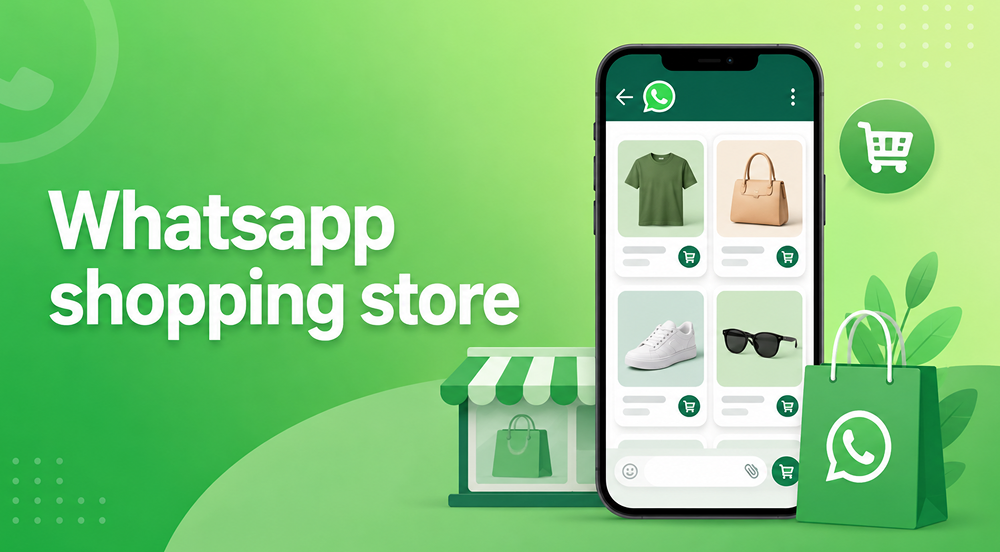
The catalog is the foundation of WhatsApp shopping. A well-built catalog gets browsed and converts. A poorly built one gets closed in 10 seconds. These specifications are based on what passes Meta review and what drives catalog-to-order conversion in practice.
1. What Every Catalog Listing Needs
| Field | Requirement | Why it matters |
|---|---|---|
| Product image | 1:1 ratio, min 640x640px, max 5MB | Square images display correctly in catalog view — landscape or portrait images get cropped |
| Product name | Match your Shopify product title | Helps customers cross-reference when they visit your website or search again |
| Price | Required — no hidden pricing | Listings without prices get fewer inquiries — customers assume the price is intentionally hidden |
| Description | 2–3 sentences maximum | Cover the key benefit, primary variant options, and one trust signal (material, certification, or origin) |
| Product link | Direct Shopify product page URL | Lets customers complete purchase on your website if they prefer — never link to your homepage |
2. How to Share Your Catalog
- From your profile — every customer who visits your WhatsApp Business profile sees a "Catalog" button automatically. No action needed.
- Catalog link — your unique URL is wa.me/c/[your-business-number]. Share this anywhere you'd share your website link.
- In-chat sharing — tap the attachment icon in any conversation and select "Catalog" to share individual products or the full collection mid-conversation.
- QR code — generate from WhatsApp Business settings and print on packaging, invoices, or point-of-sale displays for offline-to-WhatsApp conversion.
3. How to Sync Shopify Products to Your WhatsApp Catalog
For API-based setups, Shopify product data syncs to WhatsApp through Meta Commerce Manager via a product feed. Products update hourly or in near-real time depending on the BSP. This means price changes, stock updates, and new products in Shopify appear in your WhatsApp catalog automatically without manual re-uploading.
For catalog message templates and promotional scripts to use once your catalog is synced — new arrival announcements, restock alerts, and seasonal promotions — the WhatsApp marketing messages examples guide has ready-to-use formats for each.
WhatsApp In-App Purchases and Payments
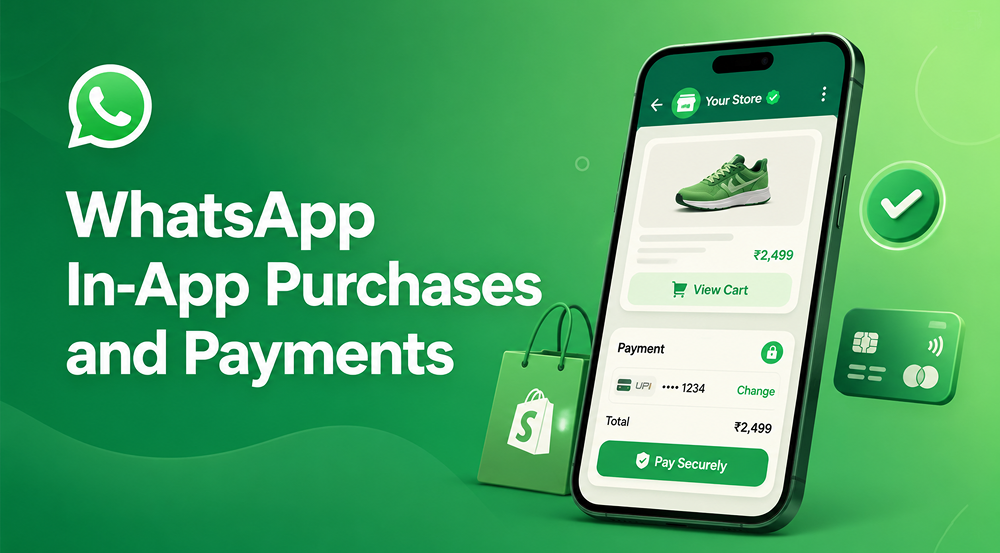
WhatsApp Pay is the most searched and most misunderstood part of WhatsApp shopping. Here is the current state in 2026, specifically for Shopify merchants selling in different markets.
Where WhatsApp Pay Works in 2026
| Country | Status | Payment Rail | Transaction Limit |
|---|---|---|---|
| India | Fully live | UPI (Razorpay, PayU) | ₹1,00,000 per transaction (~$1,200 USD) |
| Brazil | Fully live | Local card networks | Standard card limits apply |
| Indonesia | Limited testing | In pilot | Not yet available for all merchants |
| Mexico | Limited testing | In pilot | Not yet available for all merchants |
| US / UK / EU | Not available | - | No timeline announced |
Payment Options for Shopify Merchants Where WhatsApp Pay Is Not Available
For stores selling outside India and Brazil, the standard approach is a payment gateway link sent inside the WhatsApp chat. The customer taps the link, sees a secure checkout sheet — Razorpay, PayU, or Stripe — and completes payment without leaving WhatsApp. Chatix automates the payment link generation and sends it as part of the order confirmation flow directly from your Shopify store, so the customer receives the link the moment their order is confirmed rather than waiting for a manual message. Processing charges range from 1.7–2.5% + GST depending on payment method and gateway volume.
WhatsApp Shopping Tips for Shopify Merchants
These tips go beyond the standard setup advice. They are specific to Shopify merchants and based on what drives catalog-to-order conversion in practice.
- Pin your three best-sellers in the catalog highlight section. Customers who open a catalog for the first time browse the highlights section first. Do not leave this on the default — curate it around your highest-converting products.
- Add your catalog link to your Shopify order confirmation email. The post-purchase moment is your highest-trust touchpoint. One line — "Browse our new arrivals on WhatsApp: [catalog link]" — costs nothing and starts the next purchase cycle.
- Set up quick replies for your top 5 catalog questions. Shipping timeframes, return policy, COD availability, product variants, and order tracking should each be one tap away. Response delays above 5 minutes kill catalog conversion.
- Share your catalog in your WhatsApp status weekly. Status updates reach all your saved contacts for free. A restock alert or new arrival in your status is a zero-cost broadcast to your entire WhatsApp network.
- Use COD confirmation messages to reduce returns. Send a WhatsApp confirmation within 5 minutes of any COD order placed with a Yes/No button. Shopify merchants doing this reduce return-to-origin rates by 20–30% in India.
For the complete COD message flow, timing, and Shopify setup that makes this automatic, the WhatsApp COD verification guide covers the full implementation.
Set Up WhatsApp Shopping for Your Shopify Store with Chatix
Chatix is built specifically for Shopify merchants — it connects your Shopify store to the WhatsApp Business API, syncs your product catalog automatically, and sets up automation flows for abandoned cart recovery, order confirmations, COD verification, and WhatsApp Pay integration. Your first automation can be live in under 30 minutes.
Final Thoughts
WhatsApp shopping is not a future channel for Shopify merchants in India — it is already the primary sales surface for thousands of D2C brands running on Shopify right now. The merchants getting the most from it are not those with the biggest catalogs but those who respond fastest, automate the most repetitive steps, and make payment as frictionless as possible.
If you are a Shopify merchant in India, setting up a WhatsApp Business API account and syncing your catalog is the single highest-ROI setup you can complete this quarter. Chatix connects to your Shopify store and has your first WhatsApp shopping automation running in under 30 minutes — install from the Shopify App Store
Frequently Asked Questions
What is WhatsApp shopping and how is it different from a regular online stores
WhatsApp shopping lets customers browse a product catalog, place orders, and pay entirely inside WhatsApp without visiting a website. Unlike a regular online store, it requires no app install or account creation — just an existing WhatsApp account the customer already has.
Do I need a website to sell on WhatsApp
No — a WhatsApp Business catalog and payment links work without a website. However, linking your Shopify store via the API unlocks catalog sync, automation, and abandoned cart recovery that significantly improve conversion rates for stores doing more than 50 orders a month.
How do customers find and browse a WhatsApp catalog
Customers tap the "Catalog" button on a business's WhatsApp profile, or open a direct catalog link (wa.me/c/[number]) shared on social media, packaging, or email. Individual products can also be shared mid-conversation as clickable product cards.
Is WhatsApp Pay available for Shopify stores in India
Yes — WhatsApp Pay is fully live in India in 2026 via UPI. Shopify merchants need a WhatsApp Business API account and an approved payment partner like Razorpay or PayU. The per-transaction cap set by NPCI is ₹1,00,000 (approximately $1,200 USD).
What is the difference between the WhatsApp Business App and the API for shopping
The free App works for basic catalog setup and manual orders but limits broadcasts to 256 contacts and has no Shopify automation. The API removes all limits, enables automated order flows, and syncs your Shopify product feed to the catalog automatically.
How many products can I add to a WhatsApp catalog
WhatsApp Business supports up to 500 products per catalog. For Shopify stores with larger inventories, the API syncs a curated product feed — focus the catalog on your top-converting 100–200 products rather than your full range.
How do I share my WhatsApp shop link
Your catalog link is wa.me/c/[your-business-number]. Share it on your Instagram bio, Facebook page, email newsletters, Shopify order confirmation emails, and as a QR code on product packaging. Every place you currently share your website URL can also carry your WhatsApp catalog link.